
Zigbee vs Wi-Fi Smart Switches: How to Choose the Right System
26.10.2026
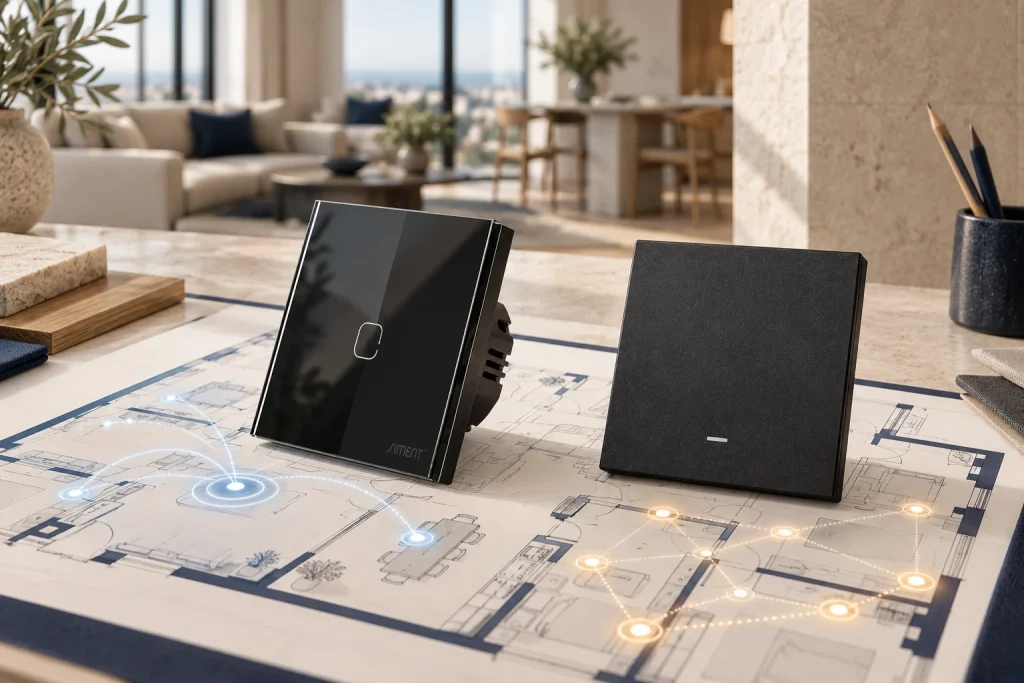
Quick answer: Choose Zigbee when the project calls for a dedicated device network, compatible sensors and coordinated room automation. Choose Wi-Fi when direct connection to an existing wireless network fits the project. The best smart switch is the model that matches the electrical circuit, lighting load, control platform and required operation during an internet outage.
Building automation starts with an everyday action: turning on a light. A well-designed system makes that action immediate at the wall, convenient on a phone and consistent with the room’s automation. Choosing the communication protocol is one part of that design. Neutral wiring, LED-driver compatibility and gateway support are equally important.
This guide explains the decision, identifies common technical problems and shows how to compare Siment smart switches using actual product information.
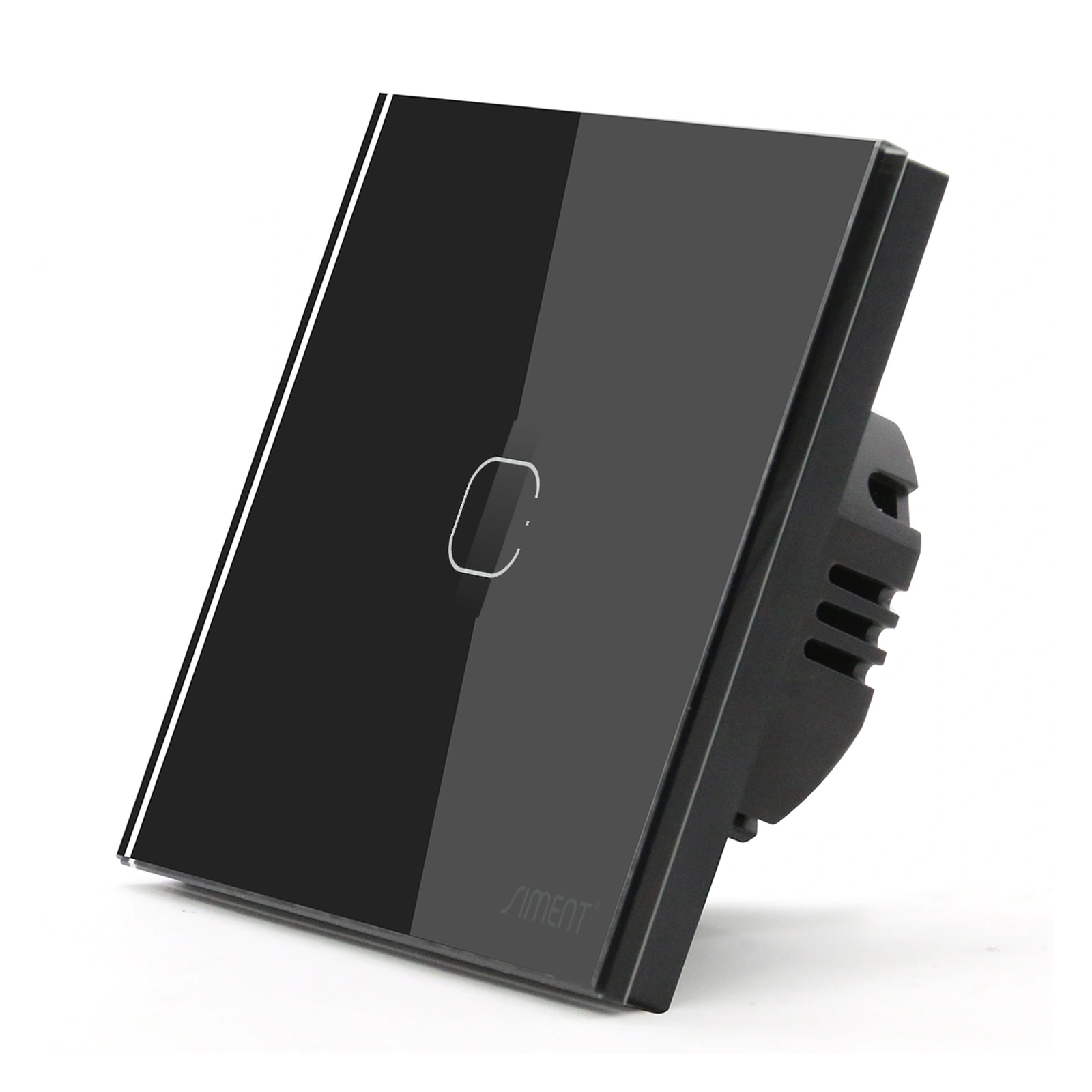
Siment TouchLight Wi-Fi Switch 1 Gang, Black. View the TouchLight Wi-Fi switch.
1. What is the difference between Zigbee and Wi-Fi smart switches?
A Zigbee smart switch communicates on a Zigbee network. In a typical connected-home installation, a compatible hub connects that network to apps and other services. Zigbee supports mesh networking: devices configured as routers relay messages between other devices. Battery-powered end devices normally do not relay traffic. Do not assume every mains-powered switch acts as a router; confirm the model’s device role.
A Wi-Fi smart switch connects to a compatible wireless access point. It normally requires no separate Zigbee hub. Its application, remote access and automation functions depend on the selected platform and device firmware.
The key distinction is the device communication path. Zigbee devices use their Zigbee network; Wi-Fi devices join the building’s Wi-Fi network. Neither protocol name establishes cloud independence, LED compatibility or universal interoperability.
2. Zigbee vs Wi-Fi: a practical comparison
| Selection factor | Zigbee smart switches | Wi-Fi smart switches |
|---|---|---|
| Device connection | Zigbee network with a coordinator | Compatible Wi-Fi access point |
| Hub planning | Typical app-controlled installations use a compatible Zigbee hub | No separate Zigbee hub for the Wi-Fi connection |
| Coverage planning | Coordinator placement and confirmed routing devices | Access-point placement, signal quality and network capacity |
| Mesh capability | Supported through Zigbee router devices | Ordinary Wi-Fi clients do not relay each other’s traffic |
| Offline automation | Requires supported local rules, bindings or groups | Requires supported local control or locally executed rules |
| Sensor integration | Confirm supported sensors and gateway functions | Confirm platform integrations and execution path |
| Expansion | Plan the hub’s supported device capacity and routing | Plan access-point capacity, coverage and IP addressing |
| Electrical suitability | Check neutral, load type and model ratings | Check neutral, load type and model ratings |
| Selection priority | Coordinated device network and automation architecture | Direct Wi-Fi connection and existing network fit |
Important: A Wi-Fi mesh system improves access-point coverage; it does not turn ordinary Wi-Fi switches into Zigbee-style routing devices.
3. How the control paths work
Zigbee installation
The hub’s Zigbee coordinator establishes the device network. Confirmed Zigbee routers extend communication paths. Sensors and switches exchange application messages according to supported functions and configuration. The hub connects those functions to the chosen control platform.
A local automation runs inside the building only when its execution engine and required integrations are local. A cloud automation requires an external service. Moving a cloud rule into a local-capable hub changes the execution path; changing the radio protocol alone does not.
Wi-Fi installation
The switch associates with the access point and obtains network connectivity. App commands then follow the platform’s supported local or cloud path. Strong Wi-Fi signal addresses only the radio link. It does not resolve an unavailable cloud service, expired account session or unsupported integration.
What happens when the internet fails?
Distinguish four separate tests: physical wall operation, local app operation, local automation and remote access. Disconnect the internet connection while leaving the building’s internal network and hub powered. Test each function separately and record the result. Remote access through an internet service needs a working internet path.
An internet outage and a power outage are different events. A powered-down hub cannot execute hub-based rules. A switch without supply power cannot operate its lighting output.
4. Which smart switch is best for your building?
A complete apartment or villa
Start with a room-by-room schedule of lighting circuits, curtain controls, sensors and wall controls. For a coordinated Zigbee design, select the gateway first and verify each device’s required functions against it. Plan routing coverage across floors and through the actual construction materials.
A limited lighting upgrade
A Wi-Fi switch provides a direct route into an existing compatible wireless network. Check coverage at the installed wall box, not only in the middle of the room. Confirm the application’s requirements and the local-control behavior before choosing the platform.
A hotel, office or repeated apartment layout
Specify commissioning records, access permissions, firmware maintenance and recovery behavior. Define who owns the gateway and accounts at handover. Test one complete room before repeating the design. Neither Zigbee nor Wi-Fi alone establishes suitability for a large managed building.
Selection rule: Choose the electrical configuration first, the control architecture second and the appearance third. A beautiful faceplate does not correct an incompatible load or missing neutral.
5. Five checks before ordering a smart switch
Neutral connection
Neutral is a circuit conductor; protective earth serves a different safety function. Never substitute earth for neutral. A neutral-required switch needs the specified neutral connection in its installation box. Conductor colour alone does not establish function; identification belongs to a qualified electrician.
No-neutral products use a different power-supply arrangement. Their minimum-load requirements and approved accessories belong to the exact model’s installation instructions. Do not transfer requirements from one switch to another.
Lighting load and inrush current
An LED driver’s startup current differs from its steady operating current. A general current rating is not a universal LED-load rating. Select against the manufacturer’s permitted load type, LED rating, driver count and inrush limits. A relay switch provides on/off operation; dimming requires a compatible dimmer and compatible lighting driver.
Gang count and circuit layout
Gang count identifies the control positions or channels of the selected product. Confirm the output arrangement and independent circuit requirements. A scene button and a load-switching channel perform different jobs; match the product function to the circuit schedule.
Mechanical fit
Check mounting standard, enclosure depth, screw positions, conductor space and compatible frame series. A front dimension alone does not establish that the complete assembly fits the existing wall box.
Gateway and feature compatibility
Verify the exact switch model and firmware with the intended gateway. Test every gang, status reporting, scene actions and power-restoration behavior. A shared protocol does not prove every optional feature works across every platform. Zigbee and Matter are distinct standards; Matter exposure requires an explicitly supported bridge or device function.
6. Siment smart switches to compare

Siment Piano 1-Gang Zigbee Push-Button Switch, Black. The physical button interface offers a different operating feel from the TouchLight touch interface. View the Piano Zigbee switch.
The following links point to published Siment products. They represent different product formats, so compare the complete assembly and installation requirements as well as the communication protocol.
| Product | Product details | Selection purpose |
|---|---|---|
| Siment TouchLight Wi-Fi Switch 1 Gang | Complete touch wall switch; Wi-Fi; one gang; neutral required; Black, White, Grey and Gold options | Compare a complete Wi-Fi touch control |
| Siment Piano 1-Gang Zigbee Push-Button Switch | Complete physical-button switch; Zigbee; one gang; neutral required; White, Black and Grey options | Compare a Zigbee control with physical button operation |
Use Siment Studio to explore the wall arrangement. Final electrical selection must follow the product documentation and project circuit schedule. For the Siment smart range, keep a record of the chosen product, finish, gang count, frame series and control platform for each room.

Siment Piano 1-Gang Zigbee Push-Button Switch, White. Choose the finish alongside the matching Piano frame and the project wall schedule.
7. Technical troubleshooting: diagnose the fault before replacing hardware
Problem: the Zigbee switch does not pair
What to check: Correct supply, the exact model’s pairing procedure, an open joining window on the intended gateway and prior membership of another network.
Fix: Follow the model’s documented reset or network-leave procedure, enable joining on the correct coordinator and commission within reliable radio range. Restore the final installation position and test again. Do not use a guessed universal button-hold time. If pairing succeeds but features are missing, check device support and gateway firmware rather than repeatedly resetting the switch.
Problem: a paired switch becomes unavailable
What to check: Loss of supply, weak coverage at the actual wall location, recently removed routers and nearby 2.4 GHz interference.
Fix: Confirm power first, then inspect link quality and placement. Move the coordinator away from metal enclosures and strong nearby radio sources. Add confirmed, permanently powered Zigbee routers where the network needs intermediate paths. Plan Wi-Fi and Zigbee channels together after surveying the site; there is no single best channel for every building. Retest after every change.
Problem: the LED lamp flickers or glows while off
What to check: Whether the installed switch needs neutral, whether a no-neutral configuration is approved for the load, LED-driver compatibility and whether the fault occurs while off or during dimming.
Fix: Have an electrician verify the circuit against the product instructions. Use a compatible switch/driver combination. Fit a bypass accessory only where the manufacturer specifies and approves it. Do not add an arbitrary resistor or capacitor across the mains. A relay-only switch does not provide dimming; unstable dimming requires checks of the actual dimmer, driver and dimming method.
Problem: the wall button works but the app does not
What to check: Separate the physical output from the app path. Inspect hub availability for Zigbee, access-point connectivity for Wi-Fi, account access and the platform service.
Fix: Restore the failed communication layer, then test command delivery and state reporting independently. If local control works and remote control fails, investigate the internet or remote-access service before replacing the switch.
Problem: lights turn on unexpectedly after a power cut
What to check: Supported power-restoration settings, startup rules and automations triggered by device reconnection.
Fix: Configure the supported recovery behavior for each product and remove conflicting startup rules. Perform a controlled power-restoration test with the installer. Record the observed result instead of assuming every device restores its previous state.
8. Commissioning and handover checklist
1. Confirm the product, circuit, load and installation instructions with the electrician.
2. Label each device by floor, room and circuit; avoid names such as “Switch 1” across multiple rooms.
3. Pair each device to its intended network and record its identity.
4. Test every physical control, app command and reported state.
5. Test scenes and sensors under their actual operating conditions.
6. Disconnect internet access and record which functions continue locally.
7. Perform a controlled power-restoration test and record recovery behavior.
8. Transfer account ownership securely and document updates, backups and support contacts.
Keep remote administration protected, install supported firmware updates and remove installer access when handover is complete. Do not expose a hub’s administration interface directly to the public internet.
9. Frequently asked questions
Is Zigbee better than Wi-Fi for smart switches?
Zigbee supports a dedicated mesh network for coordinated devices. Wi-Fi connects switches directly to compatible access points. Select by electrical fit, gateway support, network design and tested local operation; neither protocol is best for every installation.
Do Zigbee smart switches need a hub?
A typical Zigbee installation uses a coordinator, usually inside a compatible hub. The hub connects supported devices to apps and automation services. Check the exact device and platform requirements before ordering.
Do smart switches work without internet?
Physical control and locally executed functions depend on the product and system configuration. Cloud functions require internet access. Test wall control, local app access and local automation separately with the internet disconnected.
Does every Zigbee switch extend the mesh?
No. Only devices operating as Zigbee routers relay other devices’ messages. Confirm the device role; mains power alone does not prove routing capability.
Can I install a neutral-required smart switch without neutral?
No. Install the specified neutral connection through a qualified electrician or select a documented compatible alternative. Protective earth must never be used as neutral.
Can any smart switch dim LED lighting?
No. An on/off relay switch does not provide dimming. Dimming requires a compatible dimmer and an LED driver that supports its dimming method and load range.
What is the best Siment smart switch for my project?
Choose a Siment smart switch that matches the circuit, load, neutral arrangement, interface and control platform. Compare TouchLight Wi-Fi touch controls with Piano Zigbee push-button controls using the linked product details and the project requirements.
Will any Zigbee switch work with any Zigbee hub?
Do not assume full feature compatibility. Verify the exact device and required functions with the selected hub, including gang control, status reporting, scene actions and recovery settings.
Technical references
Connectivity Standards Alliance: https://csa-iot.org/all-solutions/zigbee/
Connectivity Standards Alliance, Zigbee mesh: https://csa-iot.org/developer-resource/zigbee-feature-mesh/
Silicon Labs, Wi-Fi coexistence fundamentals: https://docs.silabs.com/zigbee/9.1.1/multiprotocol-wifi-coexistence-fundamentals/
Siment product details: see the linked products in the comparison above.