
Smart Curtain Control: From Equipment Selection to Everyday Use
26.10.2026
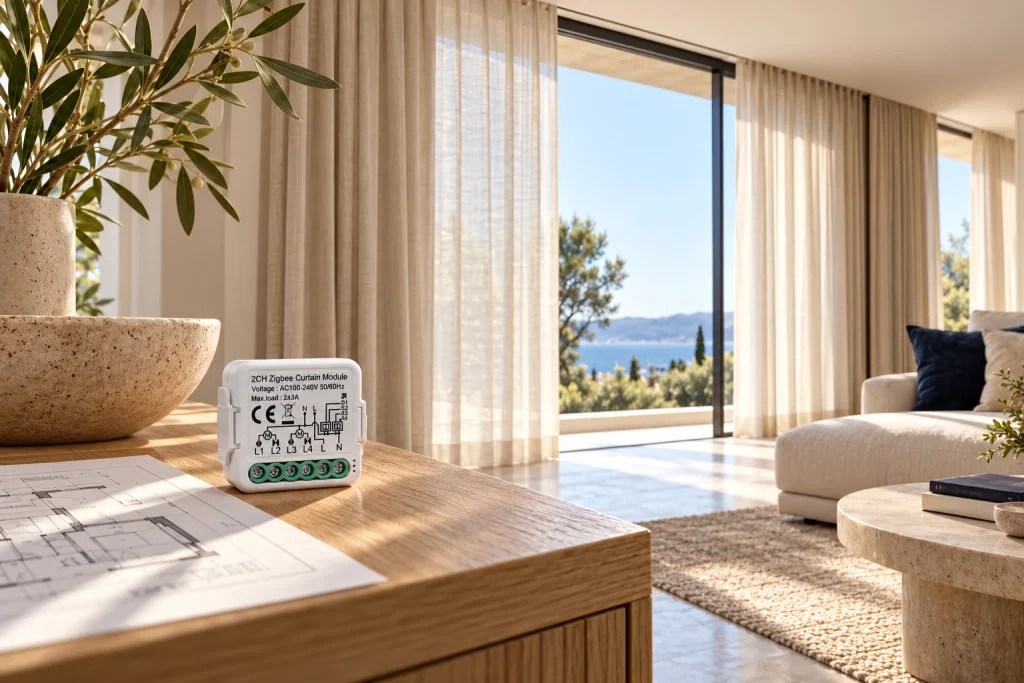
Quick answer: Choose smart curtain control by the motor’s required electrical interface, the control module’s supported output and the intended platform. Verify open, close and stop operation, travel limits and supported position behavior before creating schedules or scenes.
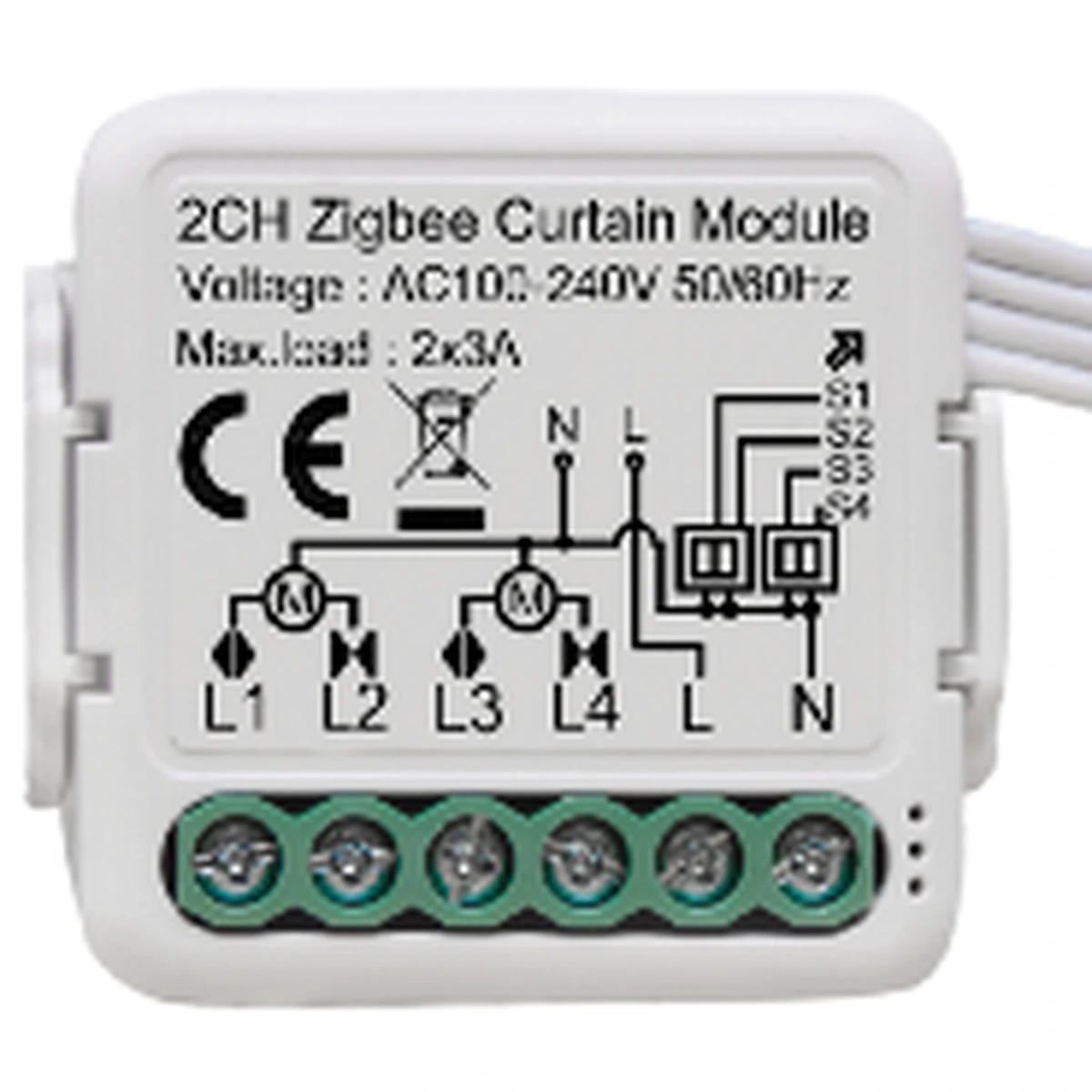
Start with the motor and track
A curtain-control project includes the mechanical track, curtain load, motor, electrical control and user interface. The motor must suit the track arrangement and curtain movement. A smart wall control does not correct a track that binds or a motor that is unsuitable for the mechanical installation.
Record whether the treatment is a curtain, roller blind or another motorized system. Define the required movement and manual behavior from the motor documentation. Do not assume that a feature such as manual pull operation or obstacle detection exists on every motor.
Have the installer confirm the motor’s control interface before selecting the module. A mains direction-control arrangement, dry-contact inputs and a proprietary radio receiver are different interfaces. The word curtain on two products does not establish direct compatibility.
Match the electrical interface exactly
A dry-contact input expects a contact action according to its instructions; it must not receive mains voltage unless the motor documentation explicitly specifies that electrical interface. A module with switched supply outputs is a different device from a potential-free contact interface.
The Siment TouchLight Curtain Smart Touch Module Zigbee, model SI-TLZMC, provides open, close and stop commands for one curtain through the TouchLight interface. Its published terminal labels are L, N, L1 and L2. These labels must be checked against the actual module instructions and motor requirements by the electrician.
Do not describe the module as a universal dry-contact controller or connect it to an arbitrary motor input. Confirm the supported direction-control arrangement, motor load, protection and interlocking behavior before connection. Both directions must not be energized simultaneously in an arrangement that prohibits it.
Selection at a glance
| Selection item | Required evidence |
|---|---|
| Track and curtain | Mechanical suitability and free travel |
| Motor interface | Mains direction, dry contact or supported receiver |
| Control output | Exact compatibility with motor input |
| Direction commands | Open, close and stop tested |
| Position feature | Supported feedback or calibrated estimate identified |
| Automation | Execution path, manual override and recovery tested |
Choose the operating points and gateway
Plan the wall-control location so occupants can operate the curtain without searching for an app. Where a bedside or entrance scene is required, define which command is sent and how a manual stop or change interacts with the automation.
For Zigbee control, verify the exact module with the intended gateway and required features. Check open, close, stop and state reporting individually. A basic working command does not prove support for position percentage, travel calibration or every automation function.
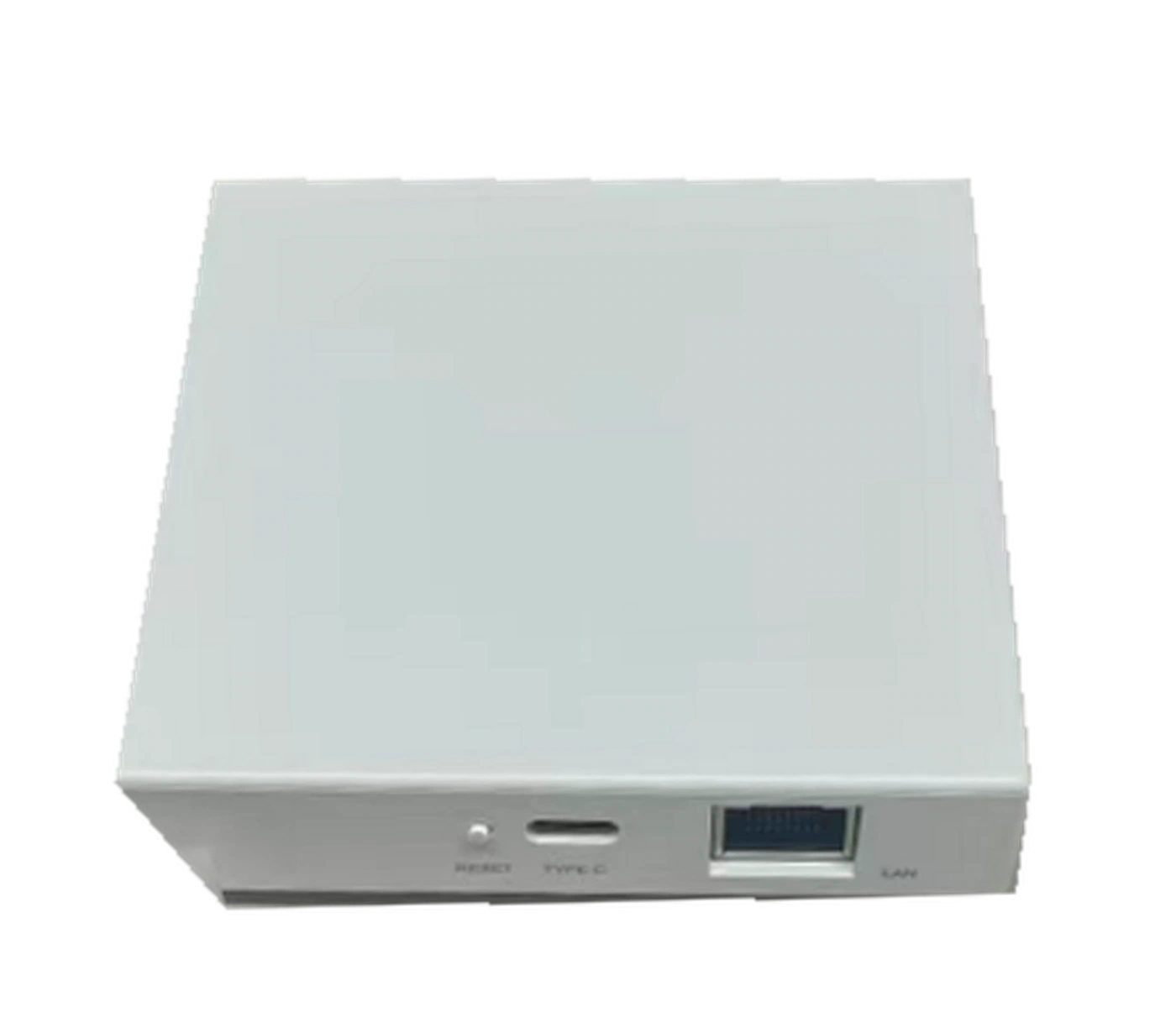
The Siment Smart Home Mini Wired Gateway provides a network connection point for supported devices. Place it where its device links and network connection are suitable, and retain access for servicing. Record which curtain rules run locally and which depend on external services.
Commission movement before adding automation
Test the mechanical installation and the motor’s limits according to the manufacturer’s procedure. Confirm that the curtain moves freely and stops at the correct end positions. Use the documented setup method rather than assuming limits are determined by the smart module.
Verify that open moves in the intended direction, close moves in the opposite direction and stop halts motion. If direction is reversed, have the installer correct the configuration or connection according to the documentation under proper isolation. Repeated app commands are not a repair for an incorrect electrical arrangement.
Only configure position percentage where the exact motor, module and platform support it. A percentage derived from travel time is an estimate based on calibration, while a reported physical position uses a different feedback arrangement. Establish what the installed system actually provides.
Create schedules that respect daily use
After movement tests pass, add useful actions such as a morning opening or an evening closure. Review the required privacy, daylight and occupant preference at the actual windows. Avoid claims of a fixed energy saving without a project-specific assessment.
Define how occupants override the schedule. A manual stop or close action should have a clear relationship to the next scheduled event. For groups of curtains, test each treatment individually before sending a group command.
Test internet loss and controlled supply restoration. Record the supported behavior and prevent an unexpected startup movement where the project requires a different recovery setting. Handover should include motor and module references, travel setup, gateway mapping and ordinary stop operation.
Technical control map
The following map explains functional relationships. Electrical connections must follow the exact product instructions and the installation design.
| Curtain control path | Verification |
|---|---|
| User / supported rule → controller | Correct command and platform integration |
| Controller → compatible motor input | Correct electrical interface and direction arrangement |
| Motor → track and curtain | Mechanical suitability and commissioned travel limits |
Technical troubleshooting
Open and close run in the opposite direction
Have the installer correct the supported direction setting or connection under the required isolation procedure. Retest both commands and stop.
The motor runs but the curtain does not move correctly
Inspect track installation, mechanical coupling and motor setup before changing the smart-control configuration.
The app percentage does not match the curtain position
Confirm whether percentage is supported and whether it uses feedback or travel-time calibration. Recalibrate only through the documented procedure.
A schedule overrides a manual action unexpectedly
Review the schedule, other triggers and override policy. Remove conflicting rules and test one trigger at a time.
Related Siment products
Siment 2G Zigbee Curtain Module — A Zigbee curtain-control module.
Siment TouchLight Curtain Smart Touch Module Zigbee — A Zigbee curtain-control module.
Siment Smart Home Mini Wired Gateway — A wired-network gateway for the connected-home system.
Explore the wall-control arrangement in Siment Studio. Confirm the final product configuration against the circuit schedule and installation instructions.
Frequently asked questions
Can any smart light switch control a curtain motor?
No. The motor needs a compatible control interface and direction arrangement. Use a dedicated supported curtain control.
Is the SI-TLZMC a universal dry-contact controller?
Do not treat it as one. Verify its documented electrical output against the motor input; its published terminal labels are L, N, L1 and L2.
Does every curtain controller support percentage positioning?
No. Verify the exact motor, module and platform combination and identify how position is determined.
Will a Zigbee curtain schedule always work without internet?
No. The execution path depends on the platform and rule. Test the required action with internet access disconnected.
What should be tested before creating scenes?
Mechanical travel, limits, correct open/close direction, stop operation and supported recovery behavior.
Continue reading
How to Start a Smart Home: A Practical Step-by-Step Plan
Lighting Scenes for Living Rooms, Bedrooms and Kitchens
Technical references
Siment 2G Zigbee Curtain Module
Siment TouchLight Curtain Smart Touch Module Zigbee