
How to Start a Smart Home: A Practical Step-by-Step Plan
26.10.2026
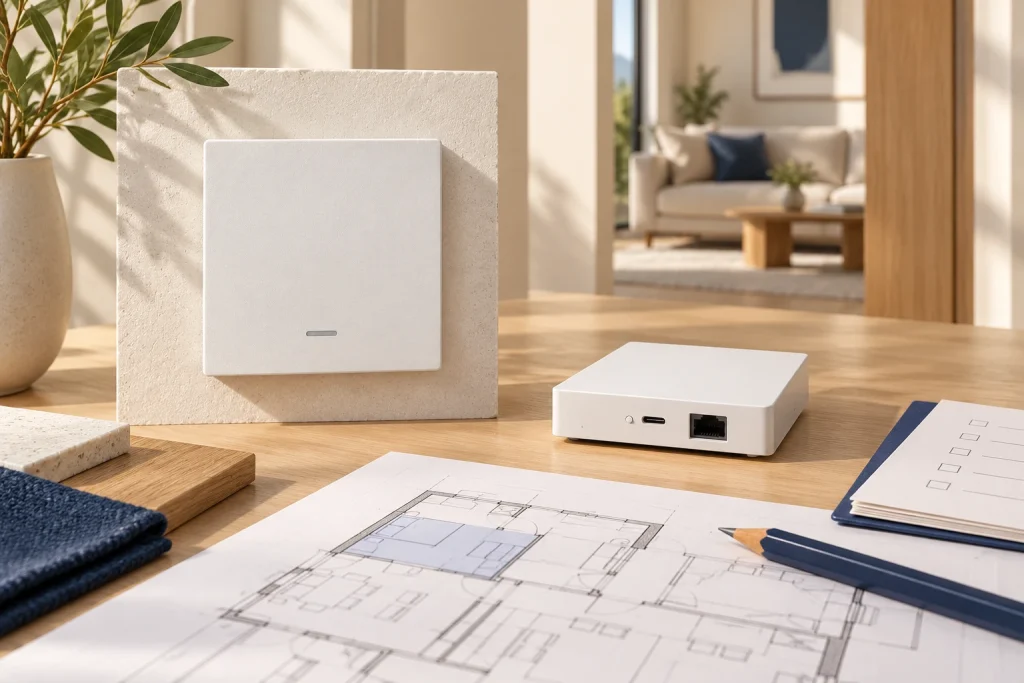
Quick answer: Start a smart home with one complete room and a small set of useful functions. Define the required behavior, select compatible controls and a supported platform, verify the electrical installation, then test local operation and recovery before expanding.
Start with daily needs instead of device counts
Write down the actions that would improve the way the building is used. Examples include an entrance lighting action, a clear bedside light control, a departure scene or scheduled curtain operation. Describe the desired result before selecting the hardware.
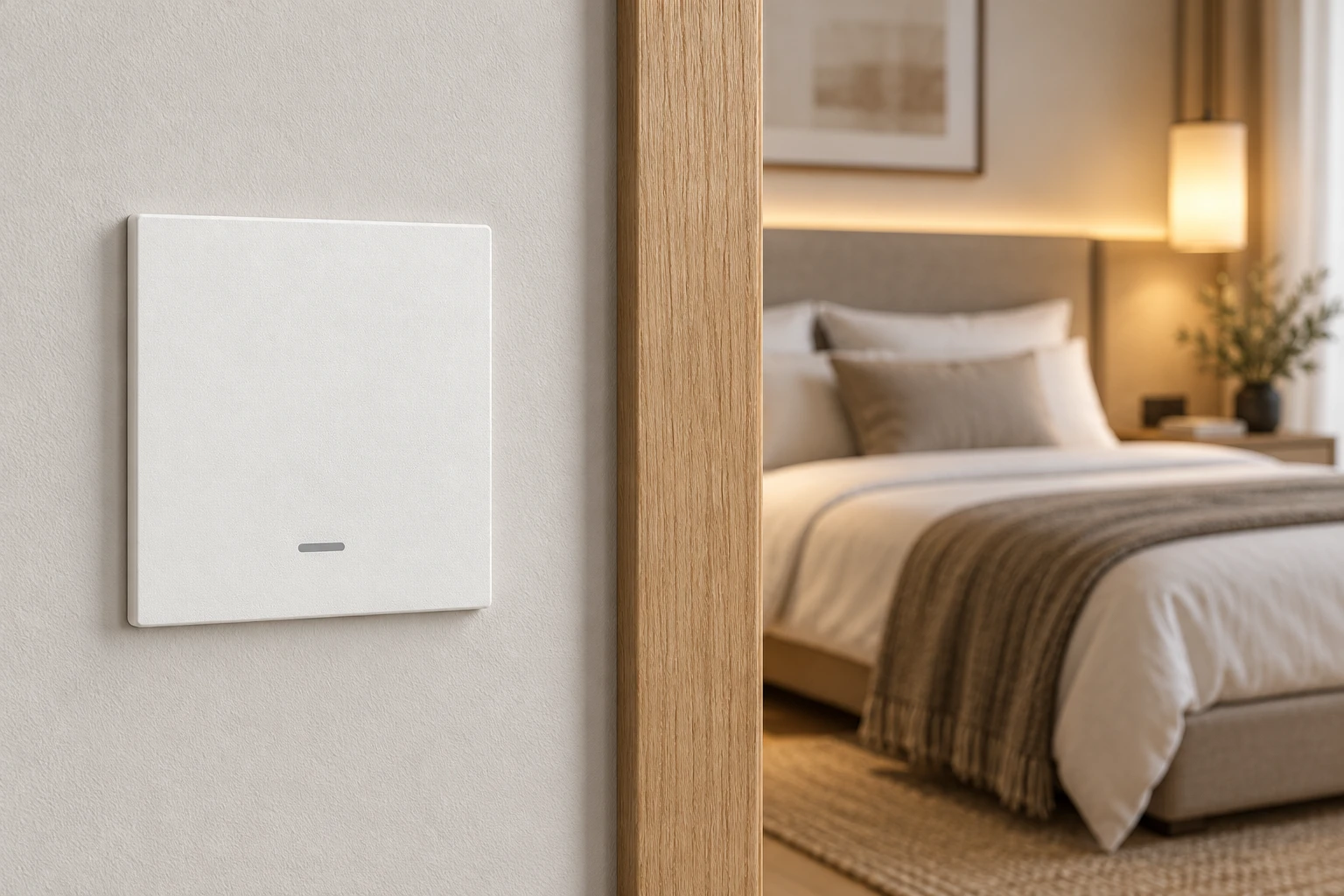
Separate essential controls from convenience functions. The occupant should understand how to operate everyday lighting at the wall. App access, voice integration and automatic scenes add functions but do not remove the need for a clear room-control arrangement.
Prioritize one or two meaningful actions in the first room. An installation with many unexplained rules is harder to commission and maintain than a smaller system with clear purpose. Expand after the first room has passed the actual use and outage tests.
Choose the control architecture and ownership
Decide whether the first devices will join Wi-Fi directly or use a supported Zigbee gateway. Select the exact platform and check each required function, including multi-gang control, state reporting and scene actions. Protocol labels alone do not establish complete feature support.
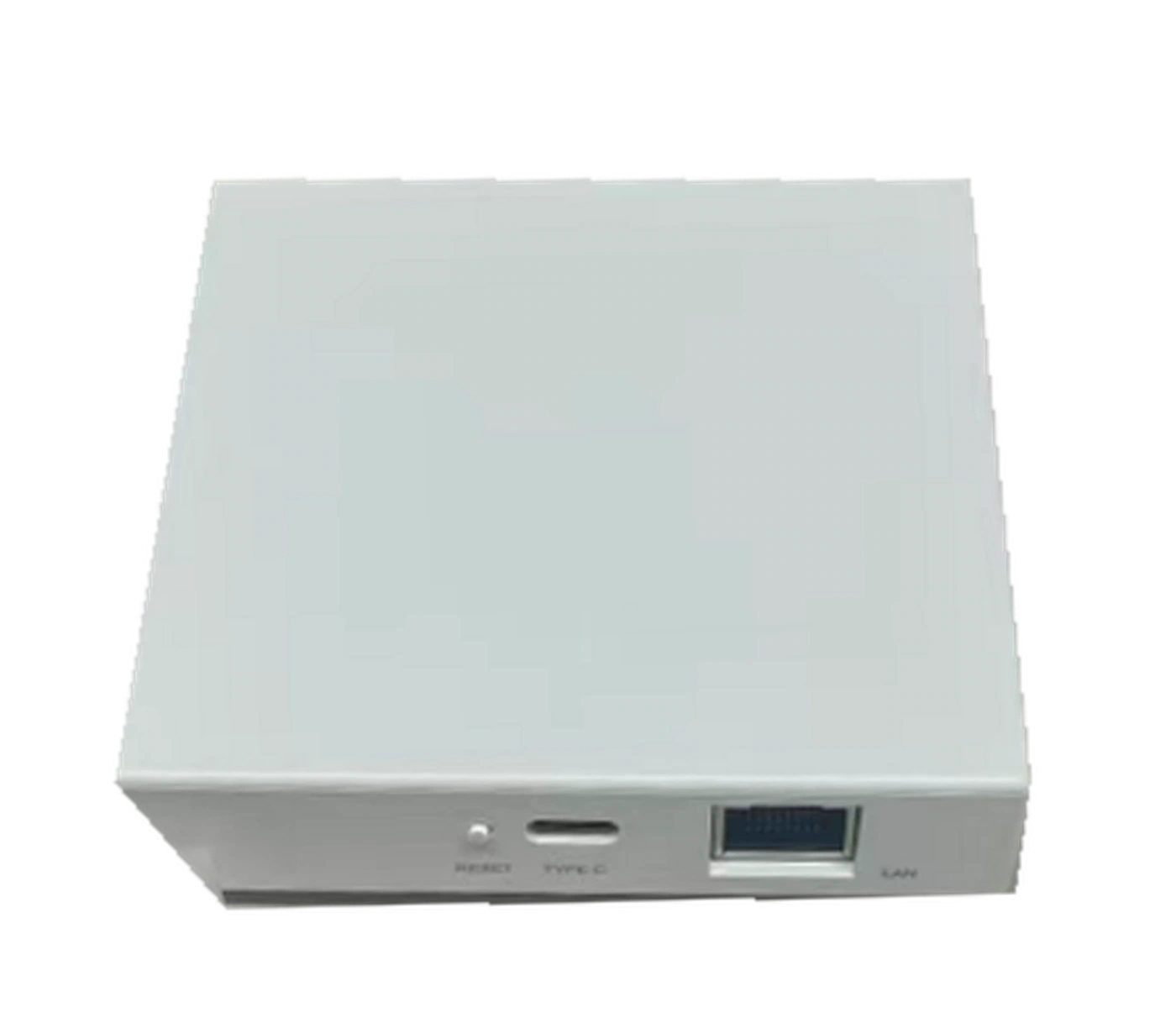
The Siment Smart Home Mini Wired Gateway provides an Ethernet network connection and a USB-C power input. It is a connection point for supported devices. Its network connection does not itself prove that every automation executes locally; verify the execution path for each required rule.
Assign ownership of the primary account and gateway from the start. Installers need a defined commissioning role and an agreed handover process. Keep permanent access under the owner’s control and remove temporary access once the project is accepted.
Selection at a glance
| Stage | Deliverable | Acceptance check |
|---|---|---|
| Needs | Short list of useful actions | Occupants understand each action |
| Architecture | Platform and compatible devices | Required features supported |
| Electrical | Circuit and load schedule | Installation verified by electrician |
| Pilot room | Working local controls | Correct circuit and status |
| Automation | Documented rules | Triggers and overrides tested |
| Expansion | Repeatable room standard | Outage and recovery behavior recorded |
Build a room around compatible functions
Prepare a circuit and device schedule. Identify the wall controls, connected loads, optional sensors and gateway location. Choose a touch or physical-button interface according to how occupants will use the room.
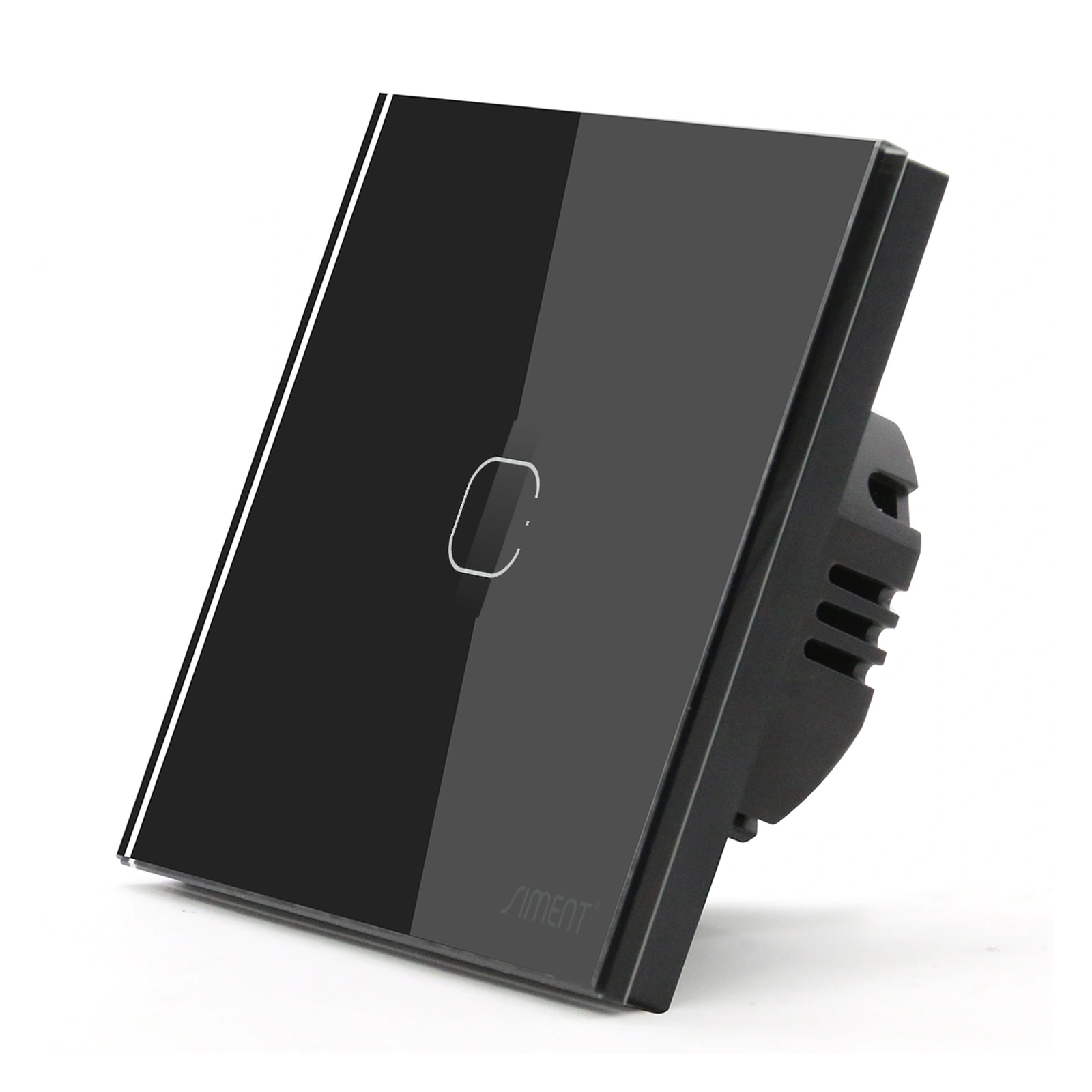
The TouchLight Wi-Fi Switch 1 Gang is a complete touch wall control. The Piano 1-Gang Zigbee Push-Button Switch provides physical button operation through Zigbee. Both linked configurations require neutral, so the electrician must confirm the installation before either is ordered.
Treat dimming, curtains and LED strips as distinct electrical functions. A relay light switch does not become a dimmer through an app. A curtain motor needs a compatible control interface, and a low-voltage strip needs the correct supply and controller.
Plan the network where the devices will be installed
Review reception at wall boxes and gateway positions, not only next to the wireless router. Construction materials, metal enclosures and equipment placement affect radio links. Keep the gateway accessible for service rather than hiding it inside an unsuitable cabinet.
For Zigbee, confirm which devices act as routers and plan communication paths across the occupied areas. For Wi-Fi, review access-point coverage and capacity. A mesh Wi-Fi system and a Zigbee mesh solve different networking problems.
Do not move every function to cloud execution by default. Record the supported local functions and the services each remote function requires. The objective is a documented system whose behavior is understood when the internet connection is unavailable.
Test the first room and expand in stages
Commission the local controls before creating scenes. Test each load and reported state individually. Add one automation at a time, then verify its trigger, conditions, actions and override behavior.
Test internet loss while keeping the local network powered. Separately test controlled power restoration with the installer. Record which functions continue, which require the hub and which depend on external services. A description such as offline-ready is not a substitute for these observed results.
Once the room is accepted, expand with the same naming system and component schedule. Update the equipment list and gateway backup process supported by the platform. Retest representative rules whenever firmware, integrations or network architecture change.
Technical control map
The following map explains functional relationships. Electrical connections must follow the exact product instructions and the installation design.
| Control path | Dependency to test |
|---|---|
| Wall action → assigned output | Powered device and supported local function |
| Sensor → local rule → action | Supported local execution and device links |
| Remote app → external service → system | Required internet and platform connection |
Technical troubleshooting
The first room has too many conflicting automations
Disable the conflicting rules, restore clear manual operation and add rules one at a time with documented priorities.
A newly added device exposes only some functions
Check exact model support and gateway firmware. Do not assume another device using the same protocol has the same integration.
Nobody knows who owns the system account
Resolve account ownership and authorized access before expanding the system. Document the owner’s recovery process.
Related Siment products
Siment Smart Home Mini Wired Gateway — A wired-network gateway for the connected-home system.
Siment TouchLight Wi-Fi Switch 1 Gang — A 1-gang Wi-Fi smart touch wall switch with a neutral connection.
Siment Piano 1-Gang Zigbee Push-Button Switch — A 1-gang Piano wall switch with physical buttons and Zigbee connectivity.
Explore the wall-control arrangement in Siment Studio. Confirm the final product configuration against the circuit schedule and installation instructions.
Frequently asked questions
Where should I start building a smart home?
Start with one room, a few useful actions and a documented electrical and control-system design.
Do I need to automate the entire house at once?
No. A verified room standard supports phased expansion without guessing how the system behaves.
Does a wired gateway mean every automation works offline?
No. Ethernet describes the network connection. Local execution must be verified for the specific platform and rule.
Can I add smart switches without checking the existing wiring?
No. Confirm the exact model’s neutral, supply, load and installation requirements first.
What should I receive at handover?
A device and circuit schedule, account ownership, supported backup process, operating instructions and tested outage/recovery behavior.
Continue reading
Zigbee vs Wi-Fi Smart Switches: How to Choose the Right System
Lighting Scenes for Living Rooms, Bedrooms and Kitchens
Technical references
Siment Smart Home Mini Wired Gateway
Siment TouchLight Wi-Fi Switch 1 Gang