
Touch Switches vs Mechanical Switches: Which Interface Should You Choose?
26.10.2026
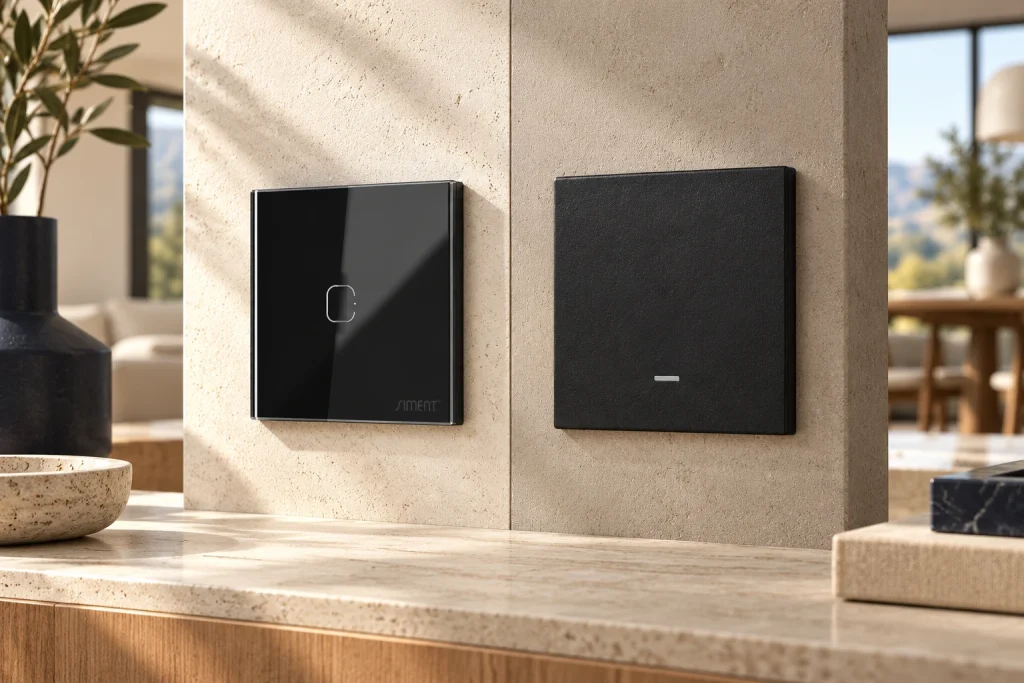
Quick answer: Choose a touch switch for a continuous touch-operated surface and a mechanical or push-button switch for a defined physical press. Smart connectivity is a separate choice: both touch and physical-button products can use connected control, depending on the model.
Interface and connectivity answer different questions
The operating interface describes how a person uses the control. The communication protocol describes how a connected product exchanges commands and status. Keeping these decisions separate prevents a common specification error: treating every touch switch as smart and every physical button as conventional.
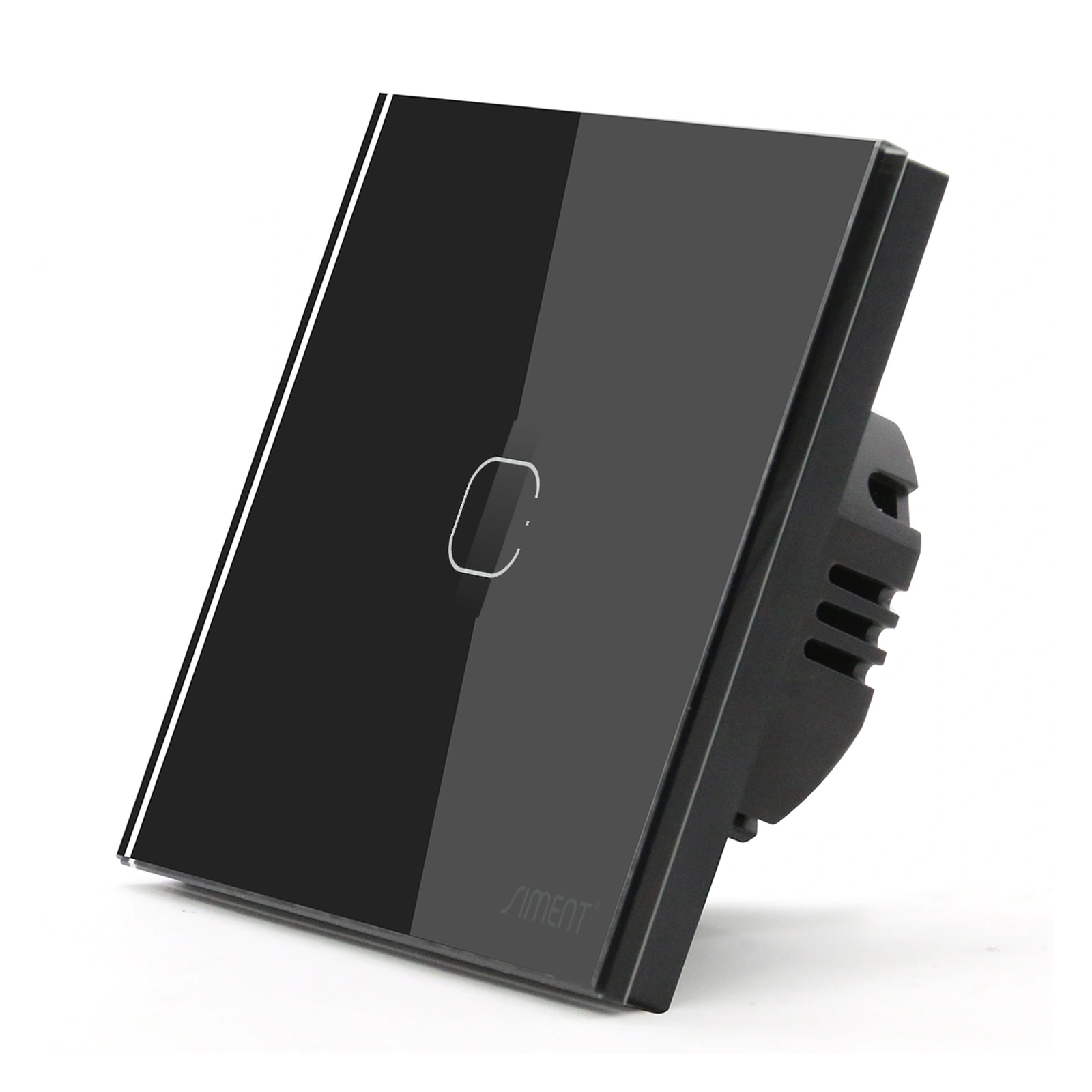
Siment TouchLight Wi-Fi Switch 1 Gang combines a touch interface with Wi-Fi. Siment Piano 1-Gang Zigbee Push-Button Switch combines a physical button with Zigbee. The difference between these two products involves both interface and network connection; it is not a controlled comparison of interface alone.
When comparing products for a room, record the required lighting function first. Then select the press or touch experience and the network architecture. A dimmer, a relay switch and a scene controller perform different jobs even when their fronts look similar.
What touch operation brings to an interior
A touch surface presents operating areas on a continuous front. Its appearance suits a coordinated wall group where the visible material, printed layout and finish contribute to the room design. The operating area must match the mechanism behind it.
Confirm that users can identify the correct touch position in the room’s actual lighting. The number and position of marked areas must correspond to the intended controls. A decorative front with the wrong printed layout creates confusion even if the underlying electronics are suitable.
Test the finished assembly as it will be installed. Keep protective construction residue away from the finished surface and follow the product’s cleaning instructions. Do not assume that a fault in response is a networking problem before checking local wall operation.
Selection at a glance
| Question | Touch interface | Physical-button interface |
|---|---|---|
| Daily action | Touch the defined area | Press the defined button |
| Visual character | Continuous front surface | Defined button face |
| Smart connectivity | Depends on exact model | Depends on exact model |
| Dimming | Requires a dimming product | Requires a dimming product |
| Selection test | Finished front and response | Button action and function |
What physical buttons bring to daily use
A physical button gives a defined press action. This is a clear interaction for frequently used lighting positions, guest rooms and shared spaces. The face layout and the number of operating positions should follow the functions the user needs.
The Piano 1-Gang Zigbee Push-Button Switch provides one lighting-control gang and a physical button interface. Its published configuration requires neutral. A physical button does not remove the electrical or gateway requirements of the connected model.
Distinguish a conventional mechanical circuit switch from an electronic push-button smart switch. The visible press action does not establish how the internal output works or whether the device needs continuous supply. Read the exact product specification instead of inferring the circuit from the front.

Design the room around understandable actions
Place the everyday room-light action at an accessible entrance position. For bedside controls, coordinate the action with the occupant’s reach and the furniture layout. Avoid assigning an essential light to an unexplained multi-press sequence.
For multiple circuits, create a consistent order. For example, keep the main light first and the accent circuit second throughout repeated rooms. If scene functions are provided, use recognizable names and document the scene’s effect during handover.
A scene button sends an instruction to other equipment; a load switch directly controls its assigned electrical output. Confirm the exact operating mode. This distinction matters when diagnosing a wall control that responds locally while another light fails to follow.
Compare completed assemblies before repeating the design
Install a representative control with the intended lamp or driver and the chosen gateway. Test wall operation, app commands, reported state and the supported recovery settings. Repeat the test after disconnecting internet access while leaving the local system powered.
Use a physical sample to judge finish, reflection and button feel. A photograph cannot establish tactile response or the appearance of a material under the project’s lighting. Review the assembly at the wall rather than holding the faceplate loose on a desk.
For hotel rooms or apartment types, record the accepted product, finish, function and software mapping as a standard room schedule. This prevents later substitutions from changing the user experience or the integration behavior across otherwise identical rooms.
Technical troubleshooting
A touch area does not operate its expected circuit
Check the front layout, mechanism and circuit mapping. Test the local output before changing app settings.
The button works but a scene does not
Verify that the button’s configured action and destination devices are supported by the gateway. Test a direct app command to each destination.
Users repeatedly select the wrong control
Simplify the action mapping and make the order consistent across rooms. Keep the primary light on a clear, repeatable control position.
Related Siment products
Siment TouchLight Wi-Fi Switch 1 Gang — A 1-gang Wi-Fi smart touch wall switch with a neutral connection.
Siment Piano 1-Gang Zigbee Push-Button Switch — A 1-gang Piano wall switch with physical buttons and Zigbee connectivity.
Explore the wall-control arrangement in Siment Studio. Confirm the final product configuration against the circuit schedule and installation instructions.
Frequently asked questions
Are touch switches always smart?
No. Touch describes the interface. The exact model determines whether communication is wired, Wi-Fi, Zigbee or another supported system.
Can a mechanical-looking button be a smart switch?
Yes. Siment Piano Zigbee products combine a physical button interface with connected control.
Which interface is better for guest rooms?
Choose the interface users can identify and operate clearly in the completed room. Keep primary actions simple and consistent.
Does either interface guarantee LED dimming?
No. Dimming requires a dedicated compatible dimmer and lighting driver.
Can I choose the finish separately from the protocol?
Select from the documented configurations and compatible parts of the chosen product series. The front material does not determine the protocol.
Continue reading
Flat Glass, Curved Glass or Aluminium: Choosing a Switch Front
Zigbee vs Wi-Fi Smart Switches: How to Choose the Right System
Technical references
Siment TouchLight Wi-Fi Switch 1 Gang