
How to Choose Switches and Sockets for Your Project
26.10.2026
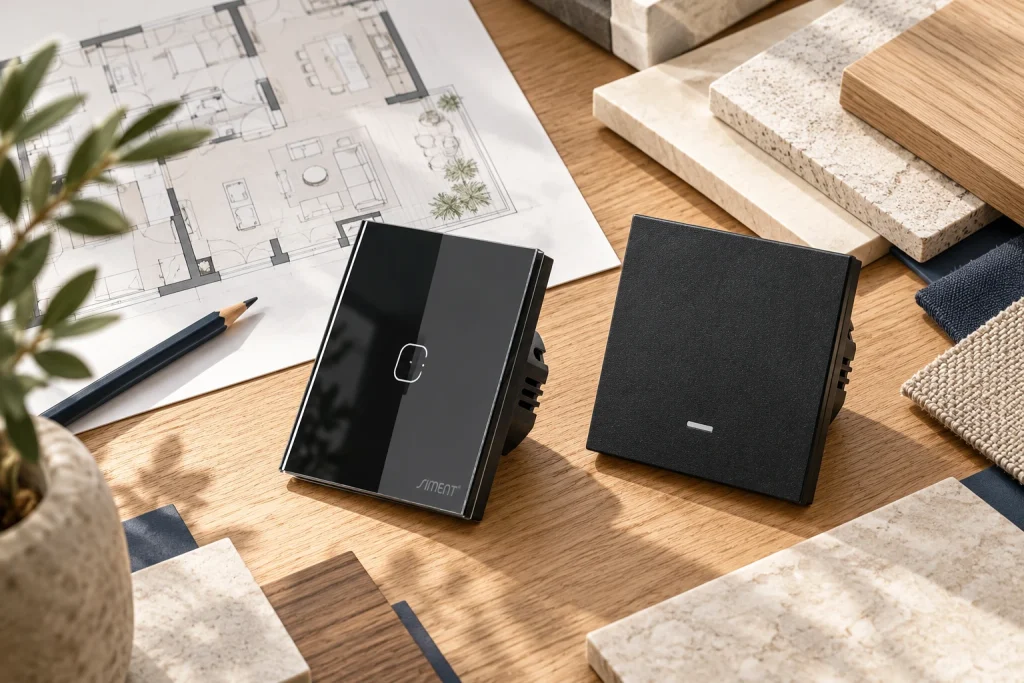
Quick answer: Choose switches and sockets by circuit function, electrical compatibility, operating interface and mounting system. Then coordinate the finish across the room. For smart switches, verify the exact gateway, supported features and operation without internet before ordering.
Start with a room schedule, not a shopping list
Walk through each room with its furniture plan. Identify the entrance control, bedside positions, desk, television wall, kitchen worktop and service points. Record what each position must operate and what remains accessible after furniture is installed. This exposes missing controls before cables and boxes are fixed.
A lighting circuit, a socket outlet and a scene button have different functions. Describe the required action in plain language: switch the pendant, dim the downlights, supply a desk appliance or activate an evening scene. A product name alone does not define the circuit it must serve.
For an apartment, assign a consistent naming structure such as Living Room — Pendant or Bedroom — Bedside Left. Use the same names in drawings, the device list and the control app. Clear identification makes installation, commissioning and later maintenance easier.
Separate complete switches, mechanisms and frames
A complete switch includes the operating assembly identified for that model. A module is one functional component within a compatible arrangement. A frame or front panel defines the visible surround or surface and must match the required mechanism.
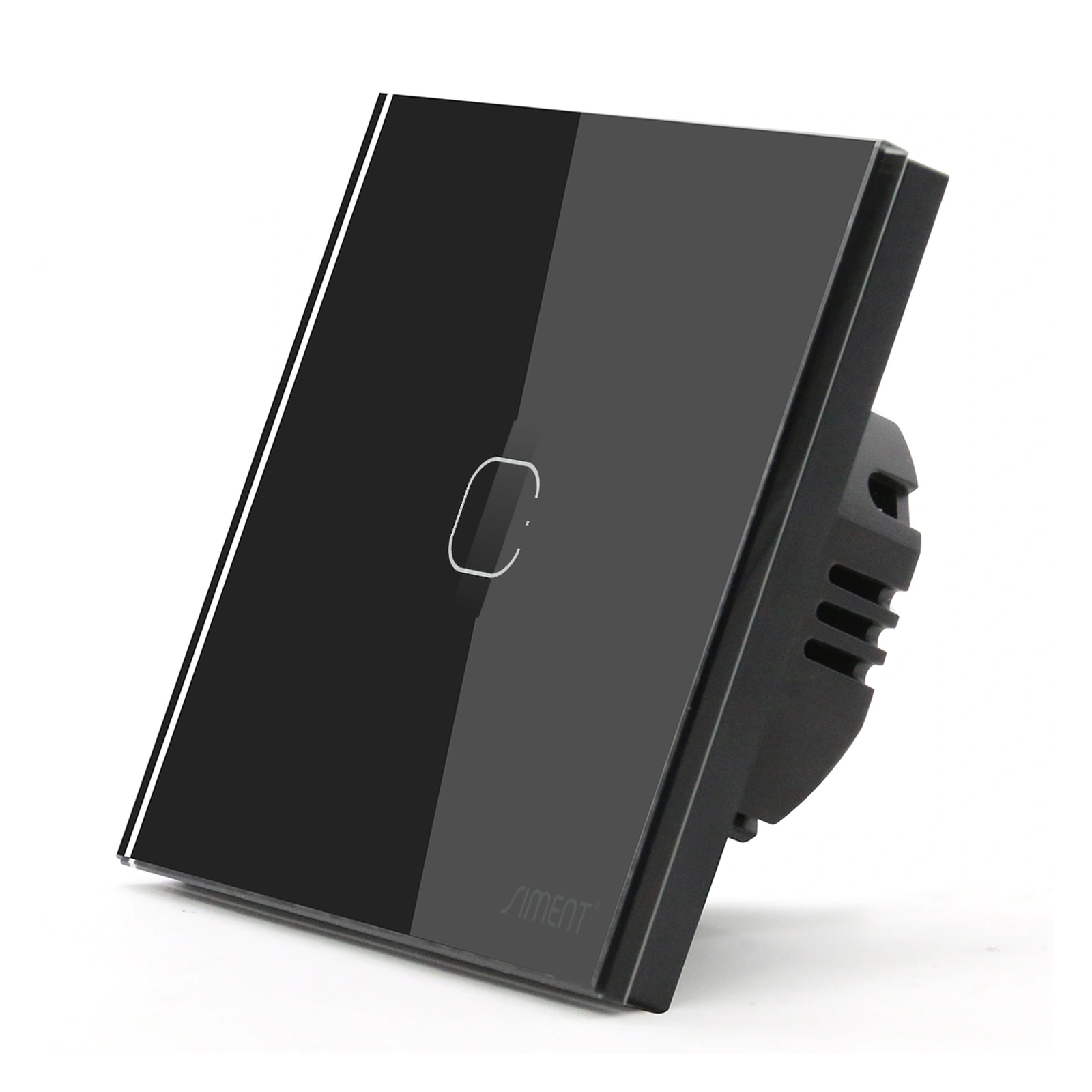
The Siment TouchLight 1P Aluminium Frame is a passive component. It contains no radio or switching electronics. Installing that frame does not add Zigbee or Wi-Fi; communication comes from the selected mechanism. Ordering a frame as though it were a complete smart switch leaves essential components missing.
Check the series, position count, opening layout, mounting arrangement and supplied parts together. Match TouchLight components to their documented TouchLight assemblies and Piano components to their documented Piano arrangements. Similar outside dimensions do not establish interchangeability.
Selection at a glance
| Decision | Record before ordering |
|---|---|
| Circuit function | On/off, dimming, curtain, scene, socket or data |
| Electrical fit | Supply, neutral, load type and permitted rating |
| Assembly | Complete product or matching module and frame |
| User interface | Touch, physical button or dedicated scene control |
| Smart integration | Exact gateway and required supported features |
| Finish | Series, colour, position count and alignment |
Confirm the electrical requirements before choosing the finish
Have the electrician identify supply voltage, neutral availability, circuit arrangement and connected load. The TouchLight Wi-Fi Switch 1 Gang and Piano 1-Gang Zigbee Push-Button Switch linked below both require neutral. Protective earth is never a substitute for neutral.
For LED lighting, use the control’s permitted LED load and the driver’s compatibility information. The steady wattage of the lamps alone does not describe startup current. A general current rating must not be treated as an unlimited LED switching capacity.
Select socket outlets for the applicable plug system, installation location and permitted electrical use. USB charging, data and television connections add distinct functions. Keep mains and communication circuits in the separation and enclosure arrangement specified by the installation system and local requirements.

Choose the daily operating interface
Touch operation creates a continuous front surface. A physical button gives a defined press action. Neither interface alone establishes connectivity: a touch switch can be wired, Wi-Fi or Zigbee depending on the exact model, and a physical-button switch can also be smart.
For a family bedroom or guest room, decide whether the user must operate one light, several independent circuits or a scene. Keep essential everyday actions easy to find. Do not require a phone to perform the basic action the wall control was installed to provide.
For smart-home integration, confirm the gateway and required device functions as a combination. Check individual gangs, state reporting and recovery after power restoration. Keep a written record of which rules execute locally and which depend on external services.
Coordinate finishes without losing functional clarity
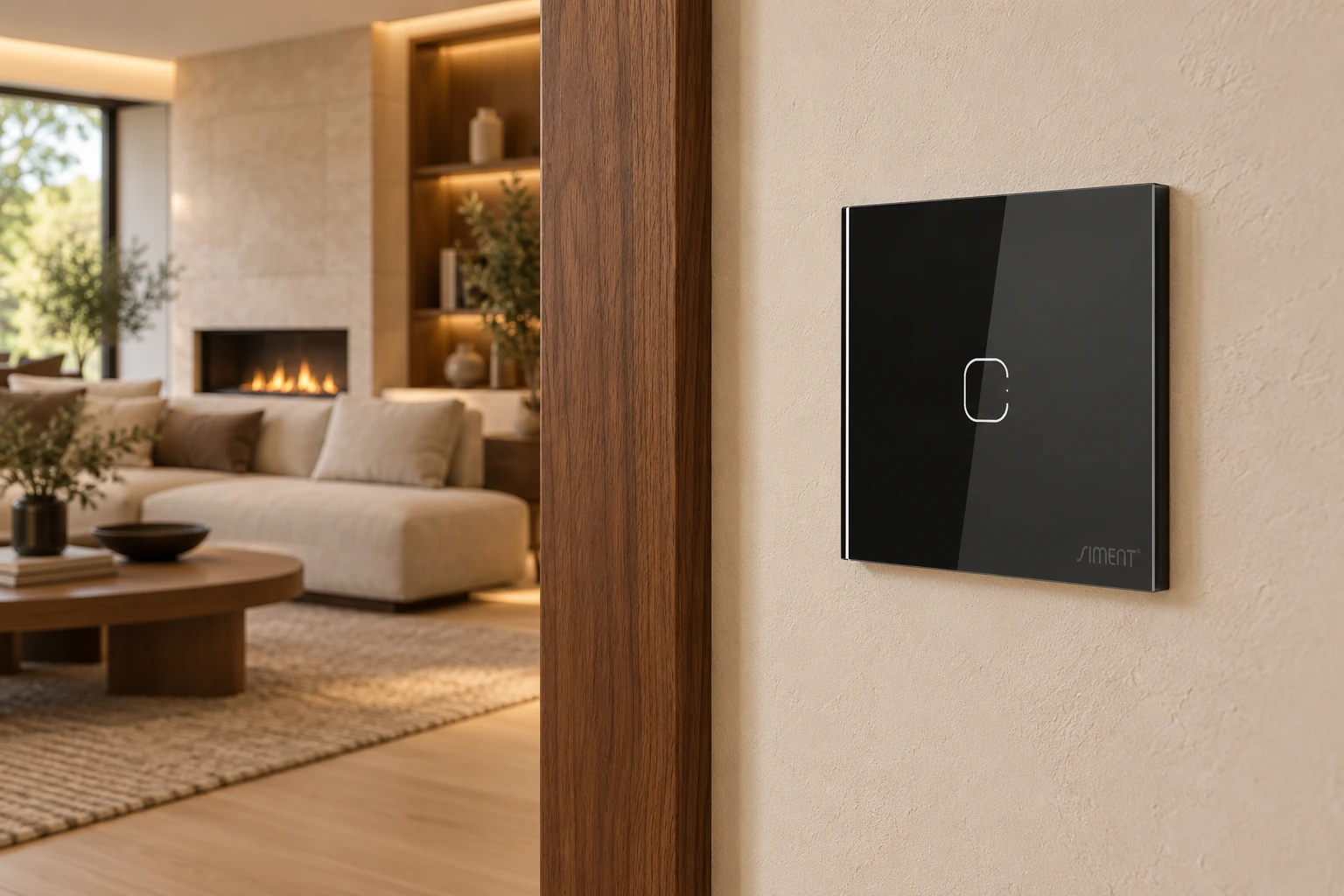
Select one finish strategy for each visible wall group. Compare physical samples under daylight and the actual evening lighting. Black glass, white surfaces and aluminium surrounds interact differently with wall colour and reflections.
Align fitting centres and preserve consistent spacing. A larger frame must match the underlying mounting arrangement; it cannot compensate for incorrectly positioned boxes. Use Siment Studio to explore the arrangement, then check the final component list against the installation drawings.
Before approving an entire floor, assemble and test one representative room. Include the intended LED drivers, controls, frame, gateway and app configuration. A completed reference room provides a reliable standard for the repeated installation.
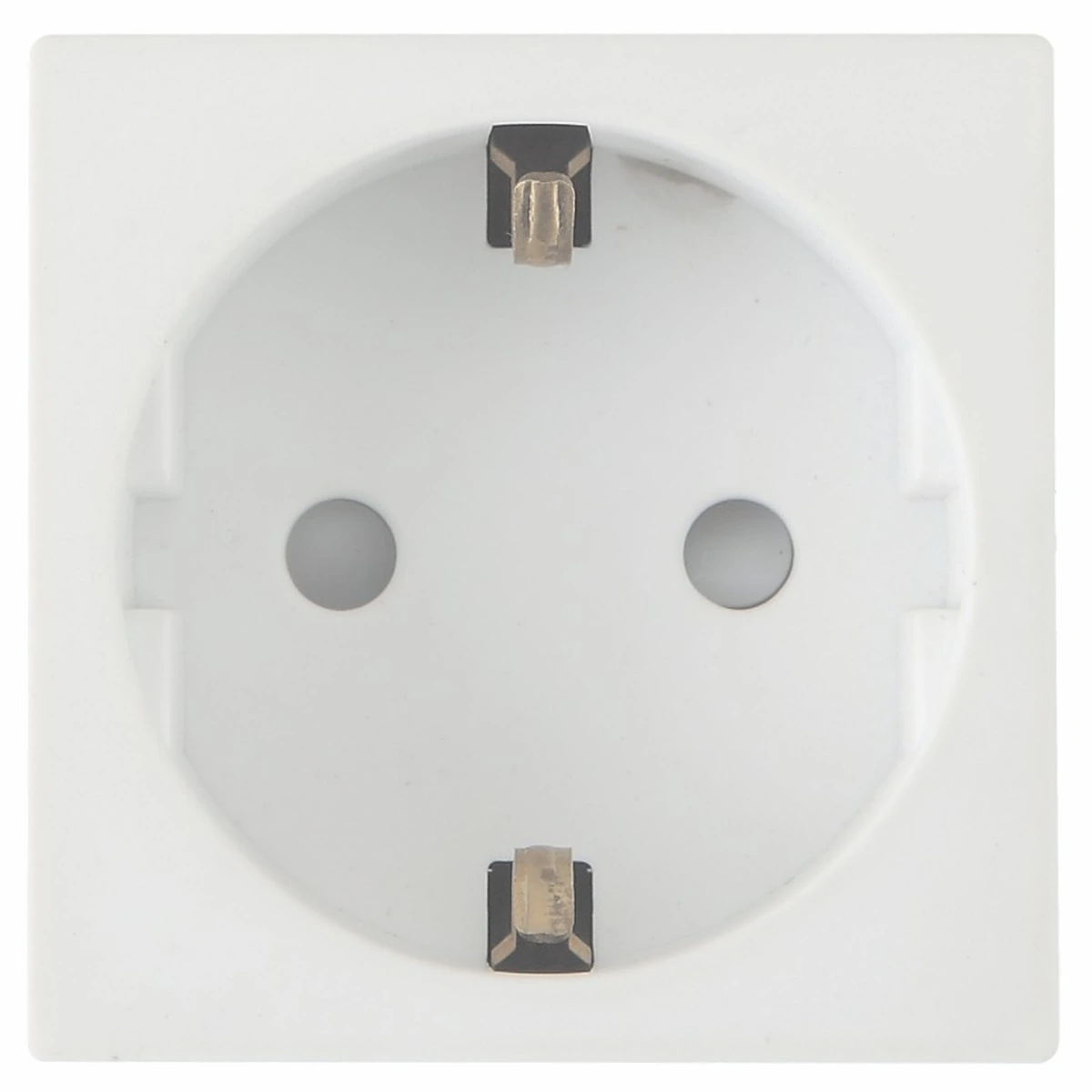
The Siment TouchLight EU Socket Module is an EU mains socket module for matching TouchLight modular frames. Select the outlet format for the applicable plug system, permitted installation conditions and circuit requirements. Keep the socket specification separate from any USB charging or smart-switch function.
Technical troubleshooting
The faceplate fits but the mechanism does not
Check the series, opening geometry and mounting system. Replace the mismatched component with the documented matching part; do not force the assembly or modify safety components.
A new LED circuit flickers
Have the electrician verify the installation and the switch/driver combination. Confirm LED-specific limits and any approved minimum-load requirements before replacing the control.
The app controls the wrong light
Compare the physical circuit labels with the device names. Correct the mapping and retest each control position individually.
Related Siment products
Siment TouchLight Wi-Fi Switch 1 Gang — A 1-gang Wi-Fi smart touch wall switch with a neutral connection.
Siment Piano 1-Gang Zigbee Push-Button Switch — A 1-gang Piano wall switch with physical buttons and Zigbee connectivity.
Siment TouchLight 1P Aluminium Frame — A aluminium frame for TouchLight modular wall controls.
Explore the wall-control arrangement in Siment Studio. Confirm the final product configuration against the circuit schedule and installation instructions.
Frequently asked questions
What is the best smart switch for a new home?
The best smart switch matches the wiring, lighting load, operating interface and control platform. Select the exact model after the circuit schedule is complete.
Is a glass frame a smart switch?
No. A passive glass frame or front panel does not provide switching or wireless communication. Those functions belong to the fitted mechanism.
Can I mix different Siment series in one assembly?
Use the documented matching components for the selected series. Similar dimensions do not prove cross-series compatibility.
Should sockets and switches have the same finish?
Coordinating visible fittings creates a consistent wall arrangement. Electrical function, plug compatibility and installation requirements still determine the product type.
Can a touch switch work without a hub?
The connection requirements depend on the exact model. A Wi-Fi switch connects to a compatible access point; typical Zigbee app control uses a compatible hub.
Continue reading
Touch Switches vs Mechanical Switches: Which Interface Should You Choose?
Smart Switch Wiring: What to Check Before You Buy
Technical references
Siment TouchLight Wi-Fi Switch 1 Gang
Siment Piano 1-Gang Zigbee Push-Button Switch
Siment TouchLight 1P Aluminium Frame