
Lighting Scenes for Living Rooms, Bedrooms and Kitchens
26.10.2026
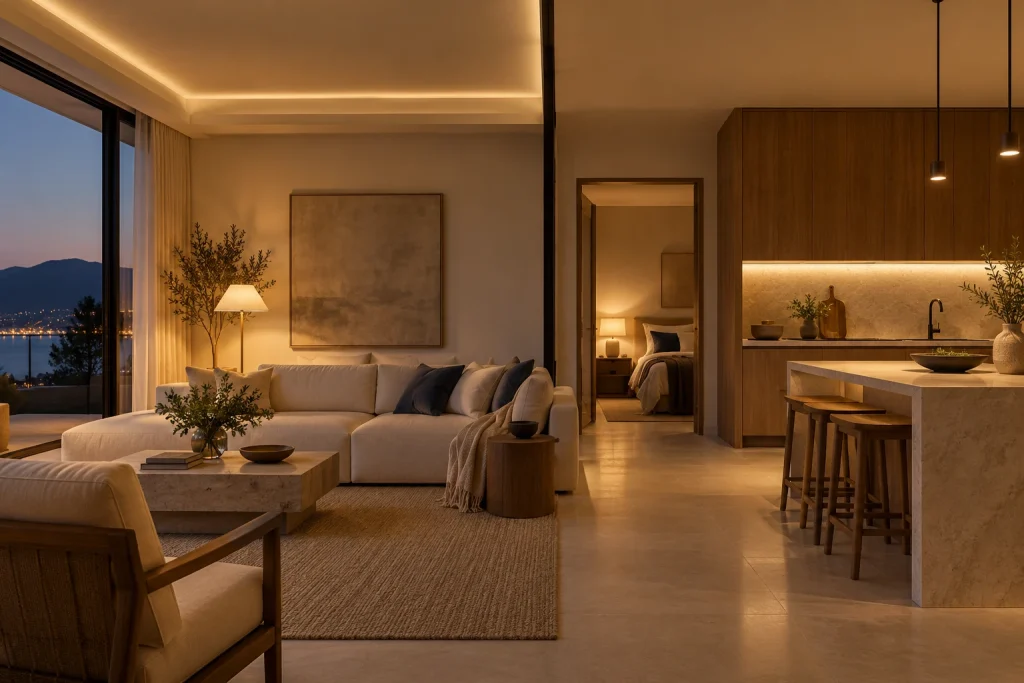
Quick answer: Design a lighting scene around an activity, then assign compatible circuits to clear states or supported dimming levels. Keep everyday wall control available and test how manual changes interact with automation. A scene requires suitable controllers for every action it performs.
A lighting scene describes a result
A scene is a named set of supported actions, such as switching selected circuits on or setting compatible dimmers to chosen levels. A trigger starts the scene, and conditions determine whether an automation should run. These are separate parts of the control design.
Begin with the activity: reading, dining, preparing food, relaxing or moving through the room at night. Identify which light sources serve that activity. General, task and accent lighting should support the room together rather than all running at the same setting for every use.
Define the desired result before choosing an app label. Evening must describe actual circuit actions, not just a button with an attractive name. Record each participating device and its intended state so the installer can test the complete result.
Living room: separate conversation, reading and viewing
For conversation, choose the general and accent circuits that create the intended room balance. For reading, give the reading position its required task light rather than increasing every light in the room. For television viewing, check reflections on the screen from the actual seats.
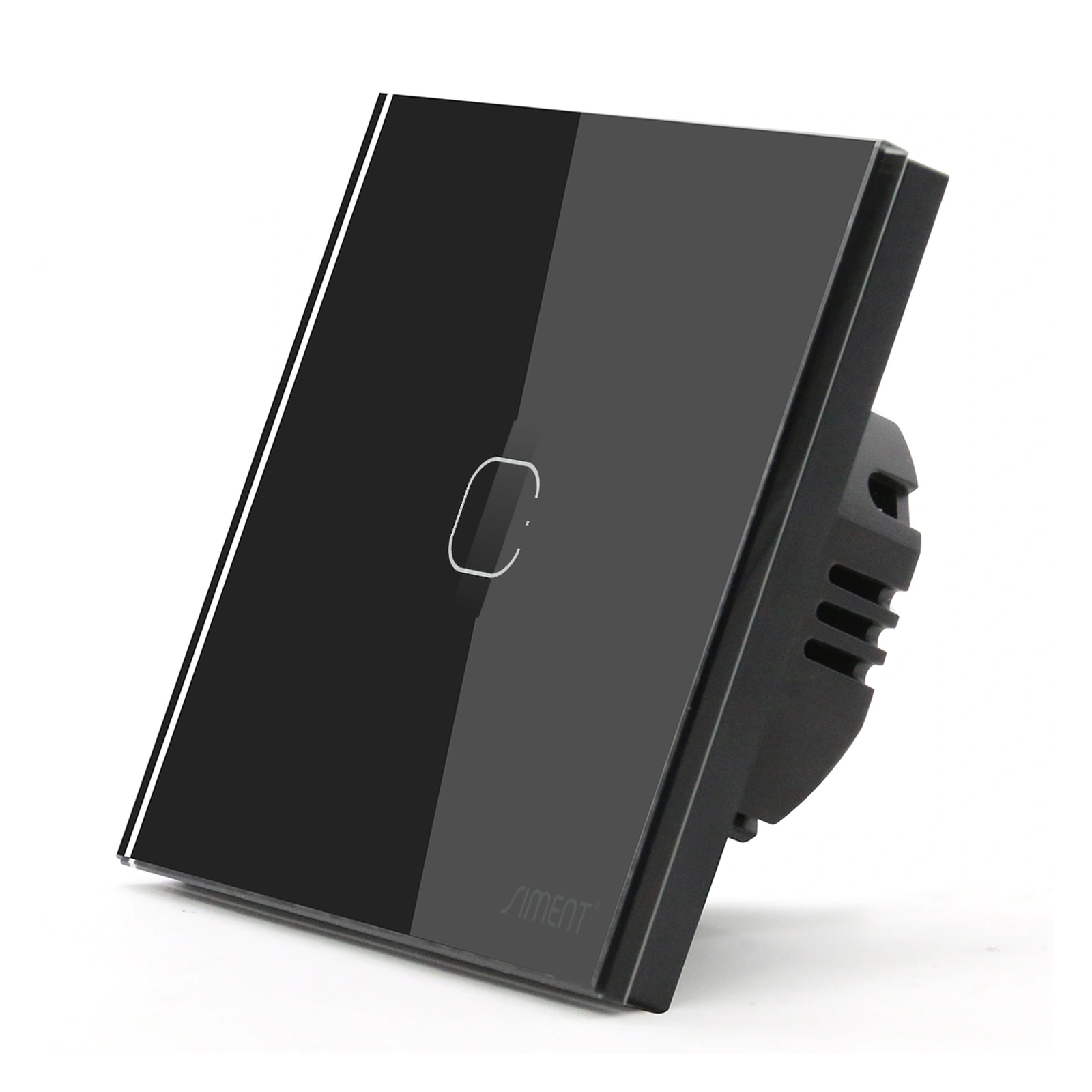
Use on/off states for relay-controlled circuits and supported levels for dimming circuits. Do not assign a dimming percentage to a non-dimming switch. The Siment TouchLight Wi-Fi Switch 1 Gang is an on/off wall-control choice; select a compatible dimming product where variable lighting level is required.
Keep the entrance action predictable. A visitor should not need to understand every scene to obtain ordinary room lighting. When a manual control changes one circuit, define whether that action temporarily overrides the current automation.
Selection at a glance
| Room / activity | Circuit approach | Commissioning priority |
|---|---|---|
| Living / conversation | Selected general and accent circuits | Room balance from actual seats |
| Living / reading | Dedicated task light | Useful light at reading position |
| Bedroom / night | Separate circulation circuit | Manual override and sensor behavior |
| Kitchen / preparation | Worktop and task circuits | Task lighting remains available |
| Kitchen / evening | Selected decorative circuits | Correct driver and dimming support |
Bedroom: make night-time operation simple
Coordinate entrance and bedside controls with the bed position and occupants’ reach. Separate general lighting from reading and low-level circulation functions in the design. The available circuits and compatible drivers determine the scenes that can be implemented.
A physical-button option such as the Siment Piano Zigbee switch provides a clear press action for its assigned lighting circuit. If a separate scene-control function is required, select a supported scene controller or documented operating mode rather than assuming every load switch supplies extra scene buttons.
Test the arrangement from the bed and at the doorway. Avoid a motion rule that unexpectedly restores bright lighting after an occupant manually selects a night setting. Document the conditions, overrides and return-to-automatic behavior.

Kitchen: preserve task-lighting priorities
Kitchen scenes must support the actual work areas. Identify worktop, island, dining and circulation circuits on the plan. Check the room after cabinetry and equipment positions are finalized so a convenient scene does not leave a task position poorly served.
Separate decorative lighting from the lighting required for active preparation. For LED strips, select the correct low-voltage supply and controller. The Siment Zigbee Smart LED Controller Module V2 operates from 12–24 V DC and must be used within its documented electrical limits.
Do not connect a low-voltage controller directly to mains. A compatible power supply converts the supply to the required DC voltage. Match the strip type and channel arrangement to the controller, and include cable losses and installation conditions in the electrical design.
Commission rules, overrides and recovery
Test every destination circuit directly before testing the whole scene. Confirm command response and state reporting. Then activate the scene from each supported trigger and inspect the actual room, not only the app icons.
Start with deliberate user-triggered scenes before adding schedules and sensors. Document trigger, conditions, action and manual override as a small rule set. Two rules must not repeatedly reverse each other when one depends on the state changed by the other.
Test internet loss and controlled supply recovery. Confirm whether the scene execution is local or cloud-based and record the actual result. Avoid restoring a bright scene automatically after a night-time power interruption unless that behavior is explicitly required and supported.
Technical control map
The following map explains functional relationships. Electrical connections must follow the exact product instructions and the installation design.
| Rule element | Define before commissioning |
|---|---|
| Trigger | User action, schedule or supported sensor event |
| Condition | When the rule is permitted to operate |
| Action | Supported state or dimming command |
| Override | How manual control changes automatic behavior |
Technical troubleshooting
A scene changes only some lights
Test each device directly, then check its membership, supported command and network connection. A working scene button does not prove every destination received the command.
A light repeatedly turns back on after manual off
Inspect schedules and sensor rules affecting that circuit. Define an intentional manual override instead of allowing two rules to compete.
An LED strip dims unevenly
Have the installer check strip voltage, wiring, supply and controller compatibility. Check voltage drop and load distribution before changing the scene levels.
Related Siment products
Siment TouchLight Wi-Fi Switch 1 Gang — A 1-gang Wi-Fi smart touch wall switch with a neutral connection.
Siment Piano 1-Gang Zigbee Push-Button Switch — A 1-gang Piano wall switch with physical buttons and Zigbee connectivity.
Siment Zigbee Smart LED Controller Module V2 — A 12–24 V DC Zigbee controller for LED-strip lighting.
Explore the wall-control arrangement in Siment Studio. Confirm the final product configuration against the circuit schedule and installation instructions.
Frequently asked questions
Can a normal smart relay dim a light in a scene?
No. Dimming requires a compatible dimmer and driver; a relay output provides on/off control.
Is a scene the same as a schedule?
No. A scene defines actions. A schedule is one possible trigger for those actions.
Do all lighting scenes operate without internet?
No. Execution depends on the platform and integrations. Test the required scene with internet access disconnected.
Can a physical wall button be used alongside scenes?
Yes, when the product and platform support the arrangement. Define how manual changes interact with the automation.
What is the best starting scene?
Choose one frequently used activity with a small number of clear, compatible circuit actions, then test it in the completed room.
Continue reading
How to Choose an LED Dimmer and Solve Common Dimming Problems
Smart Curtain Control: From Equipment Selection to Everyday Use
Technical references
Siment TouchLight Wi-Fi Switch 1 Gang
Siment Piano 1-Gang Zigbee Push-Button Switch
Siment Zigbee Smart LED Controller Module V2