
How to Match Switches and Sockets to Your Interior Design
26.10.2026
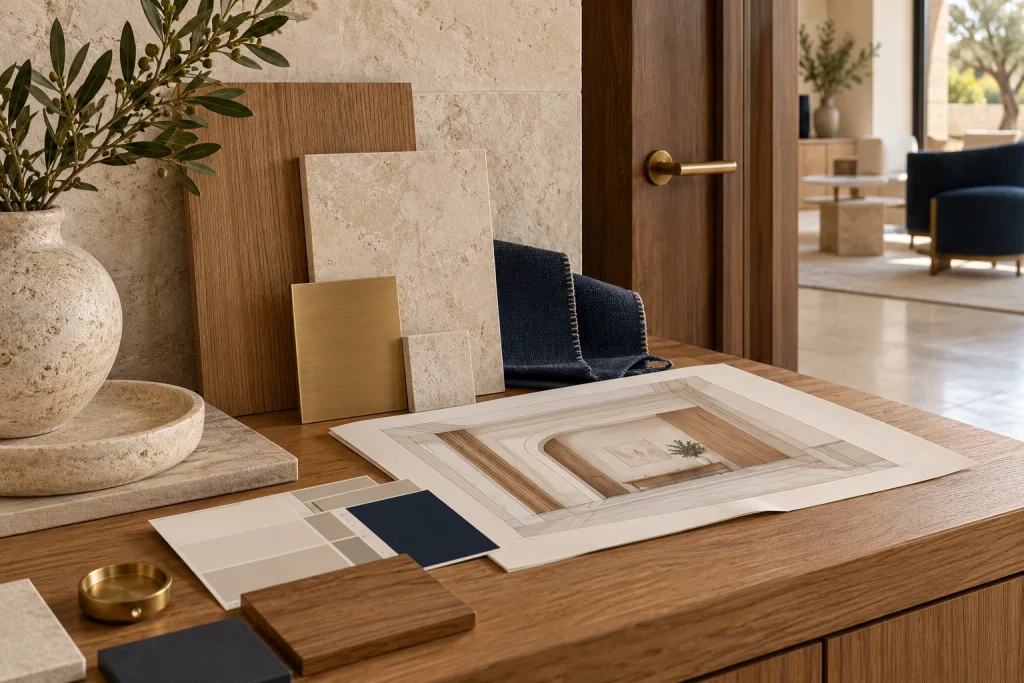
Quick answer: Coordinate switches and sockets by wall group, material palette, alignment and daily use. Select the functional assembly and wiring requirements first, then compare physical finish samples under the room’s actual lighting.
Treat wall controls as part of the architectural plan
Switches and sockets sit within the same visual field as door trim, joinery, lighting and wall finishes. Their locations should follow furniture, movement and electrical requirements together. A coordinated finish cannot correct a socket hidden behind fixed furniture or an entrance switch outside the natural reach of the user.
Draw each important wall as an elevation. Include door openings, headboards, worktops, television positions and fitting centres. Review visible groups at the intended height and spacing before installation. A short elevation review often resolves conflicts that are difficult to see on a floor plan.
Keep the control action understandable. A formal living room still needs a clear everyday lighting control. For a guest room, the entrance and bedside arrangements should tell the same operational story instead of using unrelated layouts.
Choose a clear finish strategy
A contrasting control becomes a deliberate accent against a light wall. A matching light finish reduces visual contrast. An aluminium surround relates to the room’s metalwork. Choose the effect intentionally rather than mixing finishes as products become available.
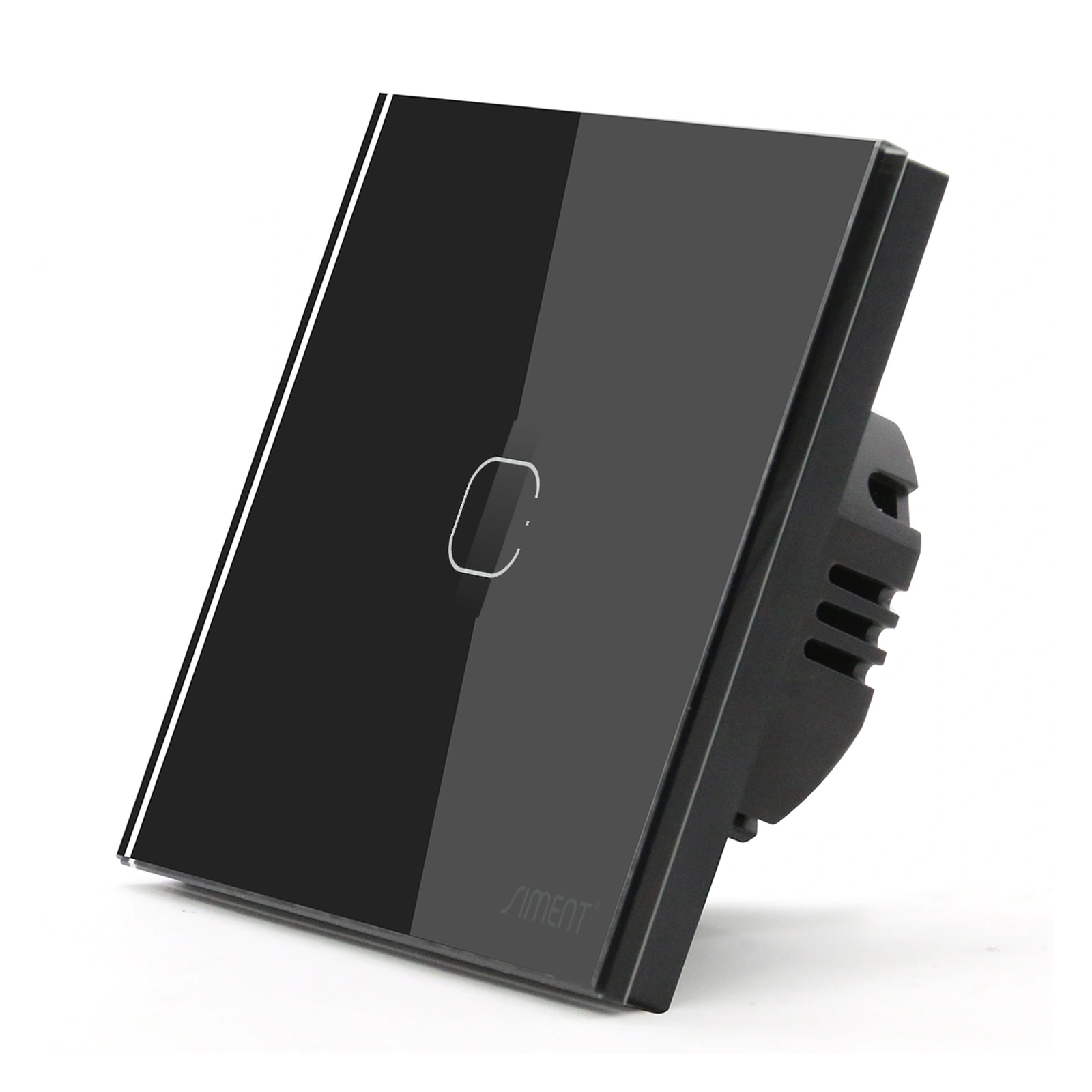
Compare black TouchLight glass, a white Piano button and the selected aluminium surround against the actual materials. The names black, white or gold do not capture reflection, texture and edge detail. Physical samples viewed in the project’s lighting provide a better basis for the decision.
Set the strategy by room or coherent zone. A bedroom with timber joinery can use a different palette from a stone kitchen, while each visible wall group remains consistent. Document the exceptions so installation teams do not improvise during fit-out.
Selection at a glance
| Interior goal | Design approach | Check on site |
|---|---|---|
| Quiet wall appearance | Coordinated light finish | Contrast under actual lighting |
| Deliberate accent | Black control against lighter wall | Reflection and edge appearance |
| Metal continuity | Aluminium finish coordinated with hardware | Physical sample colour match |
| Consistent repeated rooms | One documented control order | Furniture position and circuit mapping |
| Unified wall groups | Compatible frame layout and alignment | Mounting centres and opening geometry |
Coordinate the interface with the room’s use
A continuous touch surface and a defined physical button create different operating experiences. The Siment TouchLight Wi-Fi Switch 1 Gang offers touch operation; the Piano 1-Gang Zigbee Push-Button Switch offers physical button operation. Their protocols also differ, so verify the selected control system as part of the design.
Keep entrance actions easy to locate, and place frequently used bedside functions within comfortable reach of the planned furniture. Decide which circuits need individual control and which actions belong to a scene. A scene does not remove the need to define the actual loads and controllers behind it.
Avoid assigning unrelated functions to indistinguishable controls without a clear layout. A consistent left-to-right order for repeated rooms makes the system easier to learn. Confirm any markings or labels against the real operating functions.

Align complete groups, not isolated faceplates
Choose a reference line for each visible fitting group. Coordinate mounting centres and multi-position frames with the compatible installation system. Check the arrangement around door architraves, backsplash joints and headboard panels before boxes are fixed.
A frame position count defines the supported arrangement, not permission to mix arbitrary parts. The TouchLight 1P Aluminium Frame is passive and must match its documented mechanism and opening. Similar external dimensions between products do not establish interchangeability.
For data and television points, specify the required connection as well as the finish. A visually consistent wall group still contains different electrical and communication functions. The installer must preserve the separation and mounting requirements for each circuit type.
Approve a sample room and maintain the finish schedule
Complete one representative wall group with its final wall finish, lighting and controls. Inspect it in daylight and under the planned evening scenes. Check local operation and the clarity of each action as well as appearance.
Record the approved product names, finishes, frame sizes and functions in the room schedule. Keep references available for future replacements. A product substitution must be checked against both appearance and technical requirements, including neutral wiring and gateway support.
Use Siment Studio to explore arrangements, then confirm the final specification with physical samples and installation drawings. Clean finished controls according to their instructions and protect them during construction work. This keeps the intended material appearance intact at handover.
Technical troubleshooting
Controls clash with the final wall colour
Review the actual finish samples under installed lighting. Adjust the documented finish choice before repeating the installation.
A socket disappears behind furniture
Revisit the wall elevation and furniture dimensions with the designer and electrician. Relocation must follow the electrical installation requirements.
Repeated rooms have different control orders
Compare each room against the approved circuit and control schedule. Correct the mapping and labels during commissioning.
Related Siment products
Siment TouchLight Wi-Fi Switch 1 Gang — A 1-gang Wi-Fi smart touch wall switch with a neutral connection.
Siment Piano 1-Gang Zigbee Push-Button Switch — A 1-gang Piano wall switch with physical buttons and Zigbee connectivity.
Siment TouchLight 1P Aluminium Frame — A aluminium frame for TouchLight modular wall controls.
Explore the wall-control arrangement in Siment Studio. Confirm the final product configuration against the circuit schedule and installation instructions.
Frequently asked questions
Should switches match door handles?
They should follow a deliberate material palette. Compare physical samples; identical colour names do not guarantee matching finishes.
Can touch and push-button controls be used in the same home?
Yes, when the design and technical systems are coordinated. Keep each room’s actions understandable and confirm exact platform compatibility.
Does a glass front make a switch smart?
No. The mechanism determines switching and connectivity.
When should the finish be selected?
After the required function and compatible assembly are identified, and before repeated installation begins.
Can Siment Studio replace the electrical plan?
No. Use Studio to explore the arrangement; the electrical circuit schedule and product documentation determine the final installation.
Continue reading
Flat Glass, Curved Glass or Aluminium: Choosing a Switch Front
Lighting Scenes for Living Rooms, Bedrooms and Kitchens
Technical references
Siment TouchLight Wi-Fi Switch 1 Gang